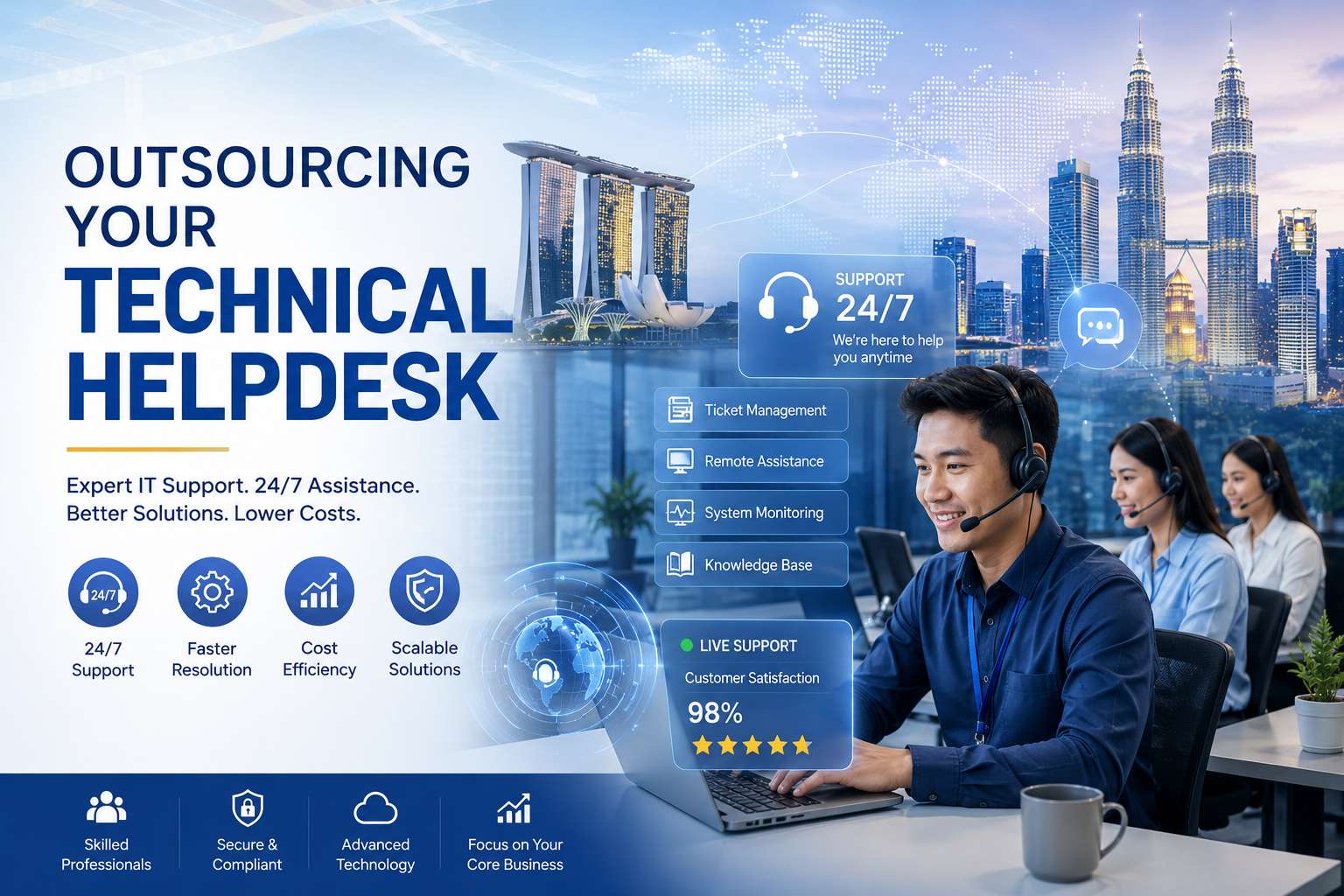
Outsourcing Your Technical Helpdesk: Level 1, 2 and 3 Support Explained
Few functions are outsourced as often- or as misunderstood- as the technical helpdesk. Buyers ask for ‘IT support’ and providers quote ‘L1 and L2 coverage’, and somewhere in the gap between those phrases, expectations go wrong. This guide explains what the support tiers actually mean, which ones make sense to outsource and why, and how to structure an outsourced helpdesk that your users- employees or customers- actually trust.
The Tier System, Demystified
Level 0: Self-service
Before any human is involved: knowledge bases, FAQs, password-reset portals, chatbots, and community forums. Often ignored in outsourcing conversations, L0 determines everything downstream- every issue resolved by a good knowledge article is a ticket that never existed. A capable helpdesk partner actively maintains L0 content based on what tickets reveal, shrinking their own workload on your behalf.
Level 1: First-line support
The front door. L1 agents log tickets, verify users, resolve known issues with documented fixes- password resets, account access, standard software questions, basic connectivity troubleshooting- and route everything else accurately. L1 lives and dies by three things: response speed, the quality of its scripts and knowledge base, and routing accuracy. It is high-volume, procedure-driven, and coverage-hungry (users expect help at all hours), which is exactly the profile that outsources best.
Level 2: Technical specialists
Where tickets go when the script runs out. L2 engineers hold real technical depth in your environment- operating systems, applications, networks, devices- and handle diagnosis rather than lookup: the recurring crash, the configuration conflict, the ‘it works for everyone except this user’ mystery. L2 requires documented environment knowledge and often remote-access tooling. It outsources well to providers with genuine engineering benches, and poorly to providers who are really L1 shops with a confident brochure.
Level 3: Deep expertise
The last stop: senior engineers, developers, or vendor specialists who handle root-cause analysis, code-level fixes, infrastructure changes, and problems nobody has seen before. L3 is low-volume, high-stakes, and closest to your core systems. Many businesses keep L3 in-house or with product vendors, using the outsourced helpdesk’s disciplined escalation to protect expensive L3 time from noise- which is, quietly, one of outsourcing’s biggest benefits.
Why the Tier Structure Matters Commercially
Each tier has a radically different cost profile. An L3 engineer’s hour costs many multiples of an L1 agent’s. In an unstructured support operation, expensive people answer cheap questions all day- the classic pattern in growing companies where ‘the IT guy’ handles everything from password resets to server architecture. A tiered helpdesk is essentially a cost-routing machine: it ensures every issue is resolved at the cheapest tier capable of resolving it properly. Well-run operations resolve the large majority of tickets at L1, a meaningful slice at L2, and only a small residue at L3.
This is also why ‘what’s your L1 resolution rate?’ is one of the most revealing questions to ask a prospective helpdesk provider. Too low, and their L1 is a switchboard; suspiciously high, and tickets may be being closed rather than resolved. Healthy operations pair the resolution rate with reopen rates and user satisfaction to keep everyone honest.
What to Outsource- Three Common Models
- L1 only- the provider runs the front door- intake, known fixes, routing- and escalates to your internal IT team. The most common starting point; it immediately gives your engineers their day back and adds after-hours coverage.
- L1 + L2- the provider resolves the substantial majority of all tickets end-to-end, escalating only genuine L3 matters. Best value for most SMEs and mid-market businesses, provided the provider demonstrates real L2 engineering capability.
- Fully managed helpdesk- L1 through L3 with the provider owning tooling, knowledge management, and vendor coordination. Suits businesses that want IT support entirely off their plate, with governance handled through SLAs and reviews.
Whichever model, insist that knowledge is contractually yours: ticket history, documented fixes, and environment documentation must live in systems you can access and keep. A helpdesk that hoards knowledge is building your switching costs, not your capability.
The SLA Anatomy of a Good Helpdesk Contract
Helpdesk SLAs revolve around a severity matrix: issues classified by impact and urgency (P1 system-down through P4 minor request), each with committed response and resolution targets. Scrutinise three details. First, the definitions- a ‘P1’ should be defined by business impact, not by who shouts loudest. Second, the clock rules- when does response time start and stop, and do targets apply around the clock or business hours only? Third, the measurement- reports should show performance against every severity class, not a single blended average where one heroic month of P4s buries a bad P1.
Beyond the matrix, look for first-contact resolution targets at L1, reopen-rate tracking, user satisfaction measurement on closed tickets, and a continuous improvement clause: the provider should be expected to reduce ticket volume over time through L0 content and root-cause work, not profit from its persistence.
Signs of a Helpdesk Partner Worth Keeping
The good ones share habits. They obsess over the knowledge base, because they know it is the engine of L1 resolution. They report trends proactively- ‘this application caused 30% of tickets this month; here’s the pattern’- rather than waiting for reviews. They run genuine 24/7 operations with the same standards overnight, not a skeleton crew with a pager. And they treat escalation to your team as a defined, documented handoff with full context attached, never a forwarded email at 6 p.m. on Friday.
The Transition Playbook: Moving a Helpdesk Without Losing Trust
Helpdesk transitions carry a specific risk: user trust is earned slowly and lost in one bad week. The first days of a new support arrangement set perceptions that take months to revise, so the transition deserves as much design as the steady state. The proven sequence runs in four phases. Discovery and documentation first: the provider inventories your environment- systems, applications, common issues, current ticket categories and volumes- and builds or inherits the knowledge base. Shadowing second: provider agents observe your current support flow, learning not just the fixes but the tone and the politics (which department escalates loudly, which VIP users need white-glove handling). Parallel running third: the provider handles a controlled slice of real tickets- one category, one office, or one time band- with outcomes compared against the incumbent process. Full cutover last, with your internal experts on standby as an escalation safety net for the first weeks.
Two transition details repay special attention. Access management is the operational long pole: accounts, permissions, VPN access, and remote-support tooling take longer to provision than anyone plans, and an agent without access is a routing delay with a headset. Start provisioning on day one. Communication to users is the perception long pole: announce the change, explain what improves (longer hours, faster response), and give the new contact channels clearly. Users who understand the why forgive early wrinkles; users surprised by an unfamiliar voice assume decline.
Measured this way, a well-run helpdesk transition typically reaches steady-state performance within one to two months- and because the provider brings 24/7 coverage and knowledge-base discipline the in-house arrangement usually lacked, user satisfaction commonly ends higher than the baseline the transition was measured against.
Frequently Asked Questions
What is the difference between a helpdesk and IT support?
A helpdesk is the structured, user-facing front end- intake, triage, known fixes, and escalation. IT support is the broader function including infrastructure management and engineering. The helpdesk is the part users touch, and the part that most shapes their perception of IT.
What do L1, L2, and L3 support mean?
L1 is first-line support handling known issues and routing; L2 is specialist troubleshooting requiring technical depth; L3 is deep expertise for root-cause analysis and complex fixes. Each tier resolves what it can and escalates what it can’t.
Which helpdesk tiers should a business outsource first?
L1 is the natural first step- it is high-volume, procedure-driven, and benefits most from extended coverage hours. Many businesses then add L2 once the provider has proven capability, keeping L3 in-house or with vendors.
What is a good L1 resolution rate?
Well-run L1 operations typically resolve 65–75% of all incoming tickets. Evaluate it alongside reopen rates and user satisfaction- a high closure rate with high reopens signals tickets being closed, not solved.
Can an outsourced helpdesk support both employees and customers?
Yes. Internal (employee-facing) and external (customer-facing) helpdesks share the same tiered mechanics, and providers commonly run both- though scripts, tone, and SLAs should be designed separately for each audience.
Ready to get started? Antasis runs 24/7 technical helpdesk and IT support services with tiered coverage, severity-based SLAs, and certified professionals- from first-line response to specialist escalation. Get a helpdesk model designed around your environment at antasis.com/contact-us. |
Email | sales@antasis.com |
Singapore HQ | Blk 162 Bukit Merah Central #06-3545, Singapore 150162 |
Singapore | +65-6319-2620 |
Philippines | +63-920-619-1194 |
Malaysia | +60-7587-9041 |